
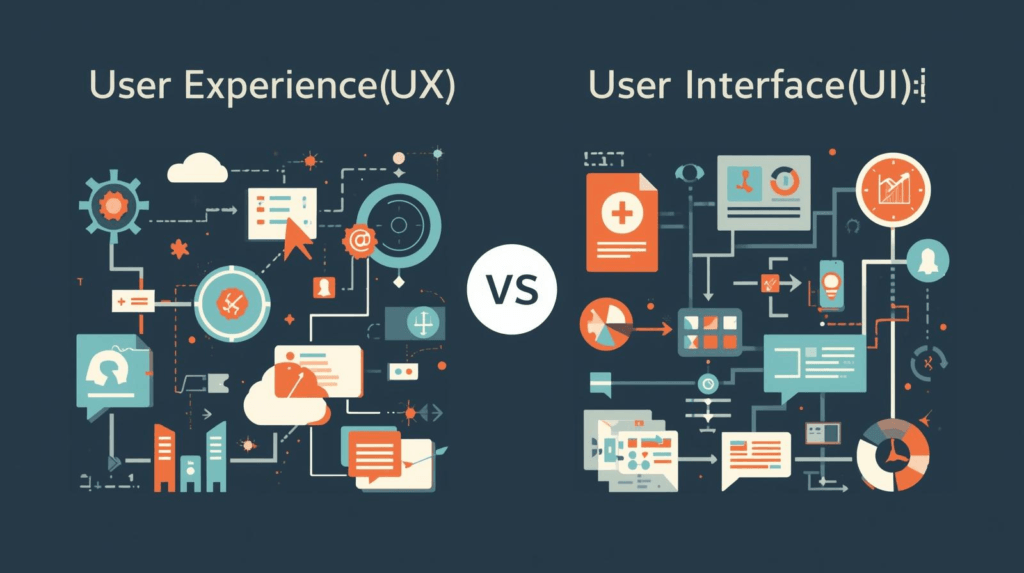
UX and UI are two words I see thrown around all the time when it comes to web design. Even though they sound similar, they actually focus on different things. UX stands for User Experience, which covers how someone feels and interacts as they move through a website. UI, or User Interface, is about the look and layout. The buttons, colors, and typography you see and click. Getting a grip on both is super important if you want a website that people love to use, and that just plain works.
Ever clicked away from a site because it was confusing or just plain ugly? That’s UX and UI at work (or not working!)
Key Differences: What Makes UX and UI Unique?
- UX focuses on feeling and flow: It’s about how easy and enjoyable a website is to use.
- UI deals with visuals: This is the layout, colors, fonts, and interactive elements.
- UX often comes first: You plan the user adventure, then layer UI elements on top.
- UI brings the brand to life: Through creative visuals, UI helps set the mood and personality.
- Both need each other: Great UX with bad UI, or vice versa, makes for an awkward website.
Breaking Down UX: What Matters Most
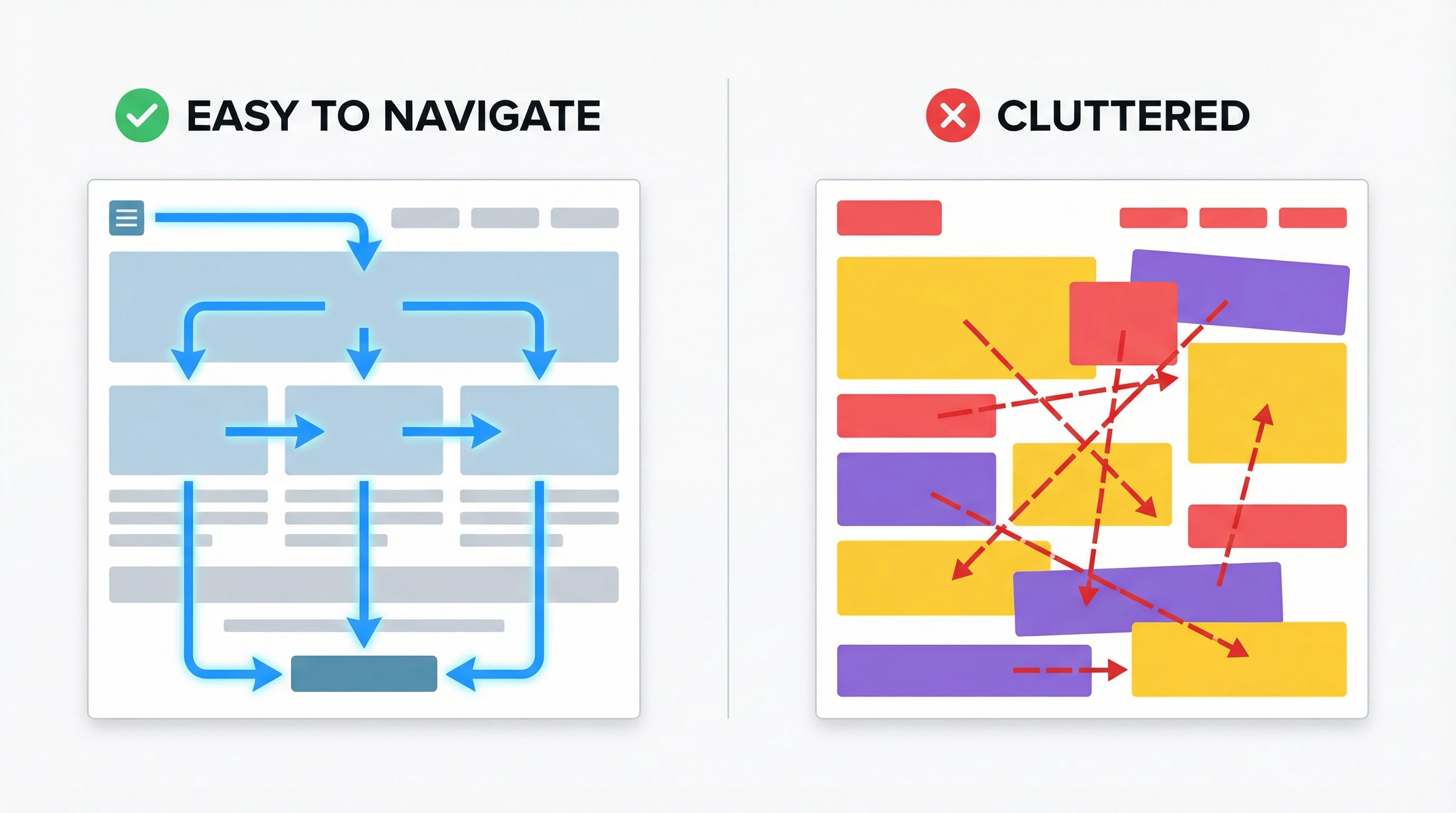
UX is pretty much everything behind the scenes that makes using a website easy (or not). A good UX gets people where they want to go quickly, helps them reach their goals, and keeps frustration low. It’s about wireframes, sitemaps, and making sure every little trip through the site makes sense. I always think about how a first-time visitor will feel. Will they know where to click, what to do next, or how to find info? If yes, that means the UX is doing its job. Usability testing, often called user testing, is a big part of this process. Gathering feedback from real users and making changes based on their experience helps shape a smooth, frustration-free website.
UX Pros
- Makes navigation simple, which helps people find what they need faster
- Helps boost customer satisfaction and builds trust
- Reduces bounce rates so people stick around longer
- Improves conversions. People are more likely to buy, sign up, or contact you
UX Cons
- Takes time to research and plan properly
- Might require user testing and tweaks, which aren’t always fast
- Updates based on feedback can get costly if the foundation isn’t solid
Getting Into UI: How Visual Design Shapes Experience
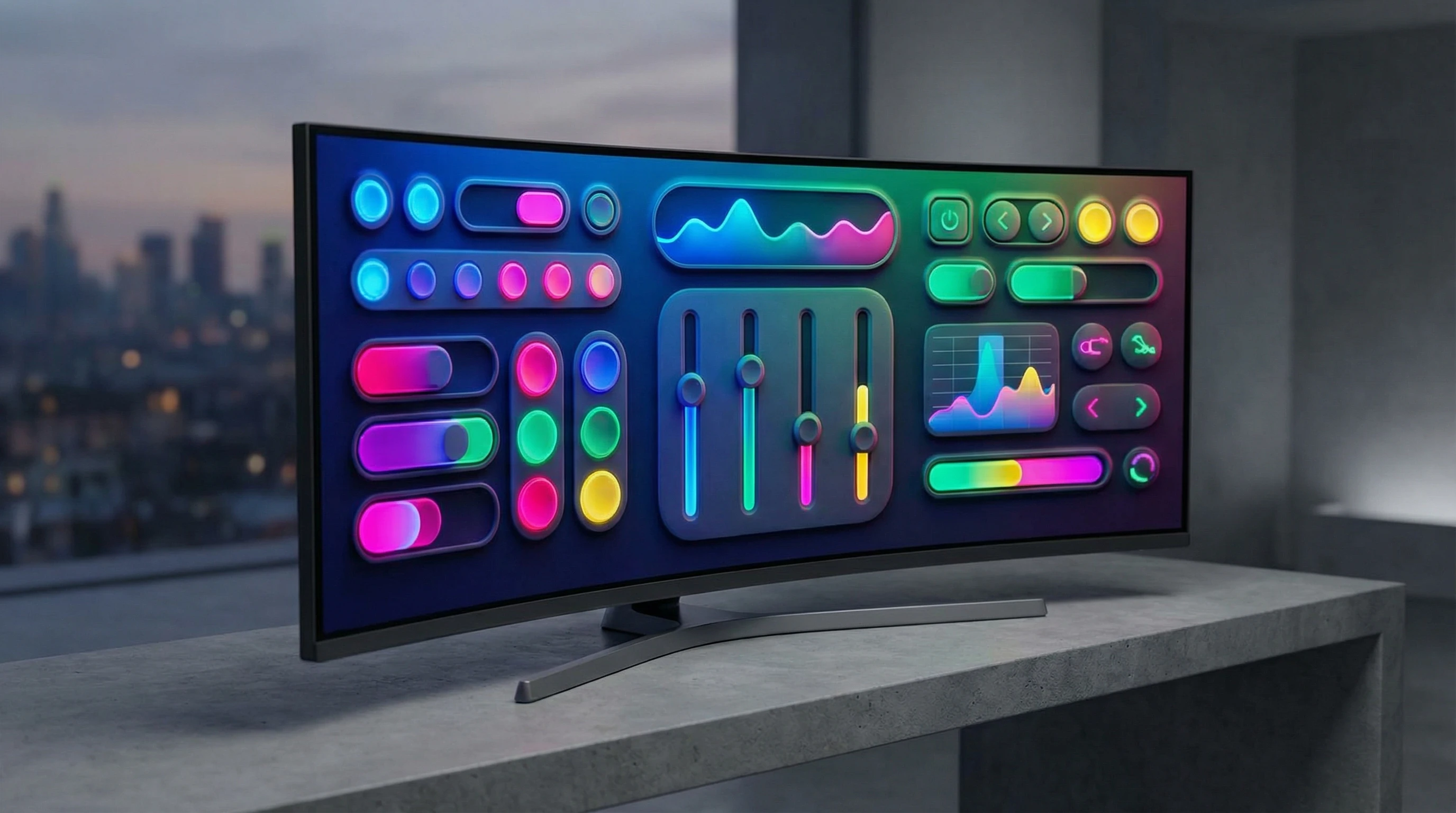
UI is what you see and interact with right away. Think buttons, icons, color palettes, font choices, and layout structure. A sharp UI can make a website feel professional, friendly, or even playful. This is where visual hierarchy comes in. Making sure important stuff stands out, forms are easy to fill out, and the “submit” button is easy to find. I always like to keep things clean, with plenty of space so nothing feels overcrowded or overwhelming. Accessibility is another crucial aspect of UI design. Making sure color contrast is right, buttons are large enough to tap, and text is easy to read can really help everyone have a smooth adventure on your site.
UI Pros
- Makes a site more visually appealing (which makes a great first impression)
- Boosts accessibility by guiding users through the site with design cues
- Improves interactions. Makes buttons, links, and forms easy to use
- Reflects brand identity through colors, logo placement, and personality
UI Cons
- Poor UI choices can distract or annoy users
- Trendy designs may look good but might sacrifice usability
- Too many visuals can slow a site down or clutter the experience
How UX and UI Work Together
Having one without the other just doesn’t cut it. Strong UX sets the groundwork for happy site visitors, and UI adds the polish that brings it all to life. When both work together, visitors feel guided and get involved right away. Collaboration between UX and UI designers is really important. I’ve worked on projects where that teamwork made the difference between an awkward, confusing site and one that people loved coming back to again and again. Working together helps balance creativity and usability, so you never sacrifice one for the other.
Real-Life Examples: Where UX and UI Make or Break a Site
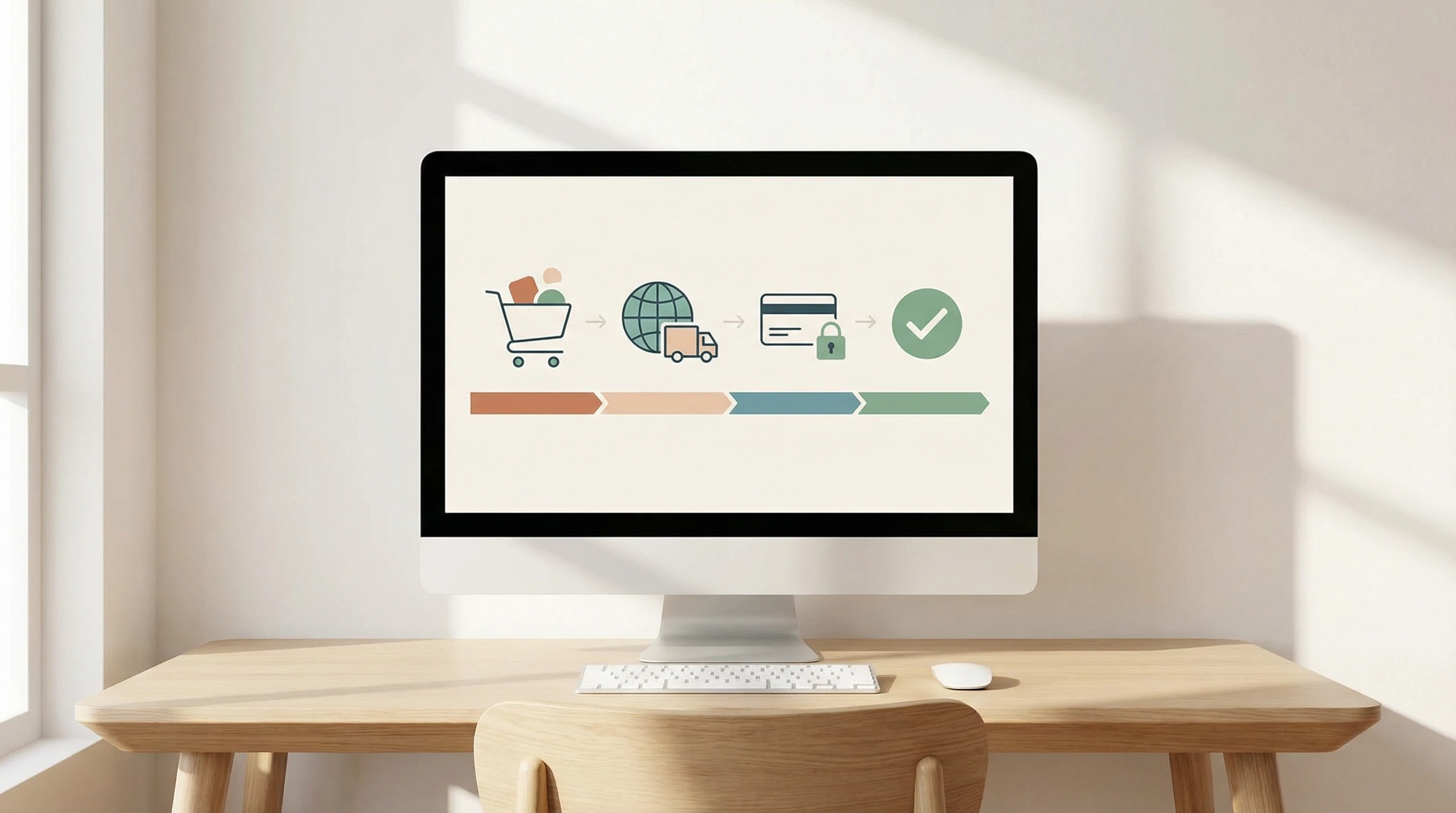
Think about your favorite shopping site. If you can quickly find what you want, use a clean and simple checkout, and enjoy the visuals, you’re seeing both great UX and UI. On the flip side, ever landed on a site that looked like a rainbow exploded, or you had no idea where to click next? That’s what happens when UX and UI aren’t working together. Making sure both UX and UI are solid doesn’t just make things pretty; it helps people enjoy and trust your website, no matter the device or platform. Even mobile menus, popups, and little touches like animation all play a huge role in how userfriendly your site actually is.
Final Thoughts: Why Both UX & UI Matter for Any Website
If you want a website people actually enjoy, paying attention to both UX and UI matters. It’s not about flashy graphics or endless features. It’s about connecting the adventure with the visuals. Whether you’re designing from scratch or planning a refresh, keeping both in balance pays off in more ways than one. Having the right UX and UI means happier users, more time spent on your site, and more trust in your brand. Have a site you love, or can’t stand?
Share your UX/UI stories below and join the discussion about what makes web design work!